

What Makes Komatsu’s Smart Construction Technology Worth the Time and Money?
Clarity.
That’s really it. You can throw around words like telematics, geospatial mapping, and GNSS receiver until you’re blue in the face, but all that tech comes down to one goal. Construction data analytics should improve clarity for everyone on a job site. Every contractor, every operator, every manager, every customer, and every person who never sets foot on the site.
That’s why Komatsu’s construction analytics program is changing the industry. At its core, Smart Construction keeps the job running in a way that everyone knows everything they need to know. So, then…what is it?
Komatsu’s Construction Analytics
Smart Construction is like a bunch of apps on a phone. You can run just a few or use them all at once. Some are machine features or services, some are built-in systems, and some are actual phone apps. Every metaphorical “app” does something different. They all work together to make your crew better and faster at their jobs.
Let’s take a quick look at what you can do with My Komatsu. This is a high-level overview of some of the resources available through the dashboard. If you want to dive deeper into some or all of the resources listed below, we suggest reaching out to a Berry Tractor Product Support Sales Representative (PSSR).
Equipment Integration (What’s Going on in the Machine)
Before we dive into what each tool does, we need to answer the fundamental question of “Will this even work on my machine?”
The short answer is…yes, it probably works on your machine. Even if you don’t have a Komatsu machine.
But let’s look at the long answer. With Smart Construction, there are three ways to integrate the system into your equipment: 3D Machine Guidance, 3D Machine Guidance Flex, and Intelligent Machine Control.

3D Machine Guidance (3DMG)
3D machine guidance, or 3DMG, adds a screen to any excavator. On the screen, operators see where to dig, then operators dig in that spot. The machine does not move on its own. 3DMG can work on any brand of excavator (not just Komatsu).
- How it works: the sensors are located on the boom, arm, and bucket link, and the screen shows you where the bucket edge is.
3D Machine Guidance Flex (3DMG Flex)
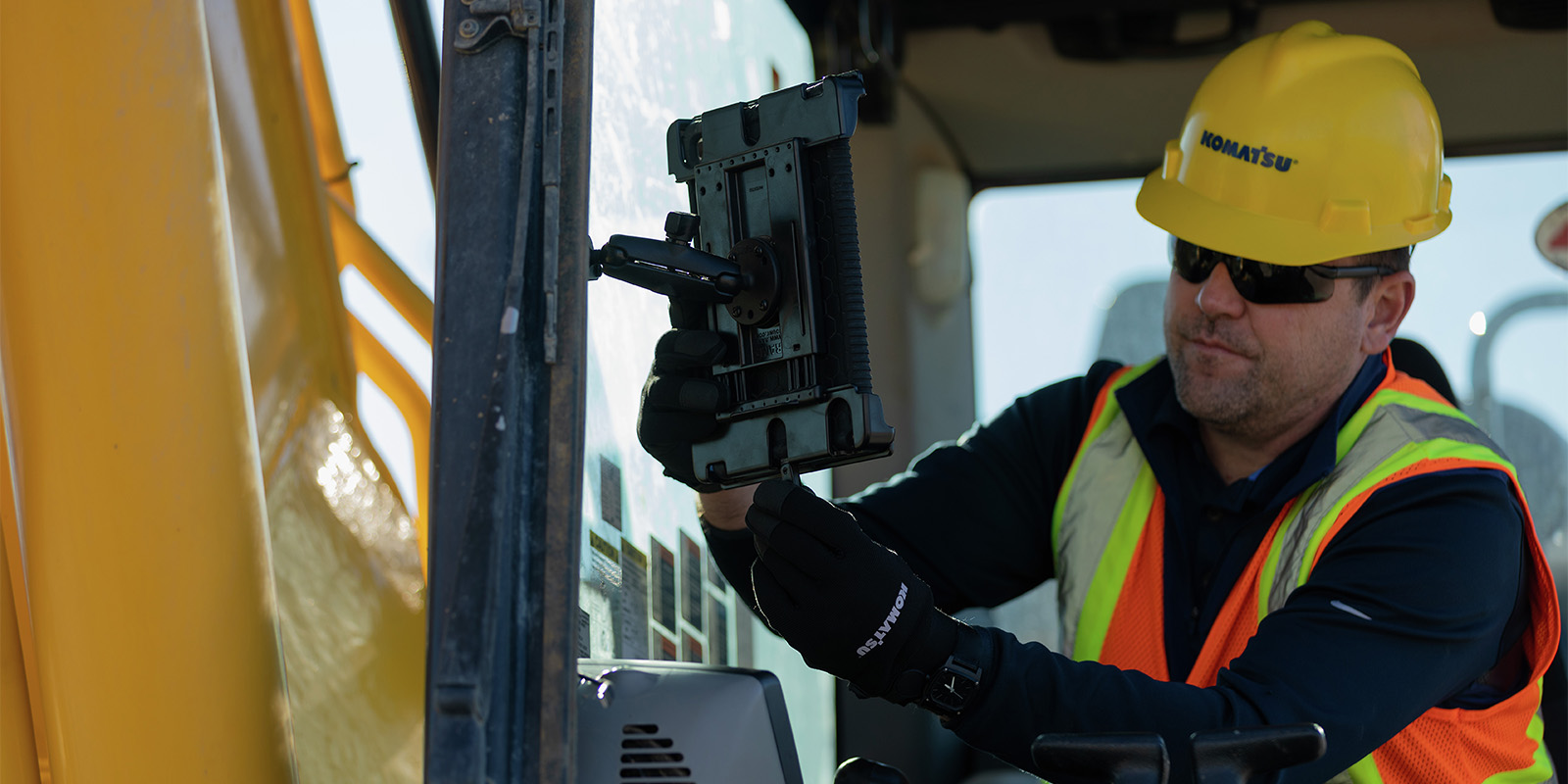
3DMG Flex is a portable kit with a tablet that can go on scrapers, large rough grading dozers, supervisor trucks, and compactors. If 3DMG shows you where and how deep to dig with an excavator, 3DMG Flex shows you where and how far to cut and fill with a dozer. The machine still does not move on its own. It can also work on any brand of equipment.
- How it works: 3DMG Flex reads tire and track elevations. It can guide you and track what’s been done, but it will not show you where the exact bucket edge is.
Intelligent Machine Control (IMC)
Intelligent machine control, or IMC, is a system built inside of specific Komatsu dozer and excavator models. They use a combination of in-cylinder sensors and IMUs (which are sensor packages that measure the machine’s orientation and movement). This system allows the machine to automatically move the blade or bucket to match the design on the screen. If you bought a Komatsu machine with an “i / I” in the name (like D71PXi-24 or PC220LCi-12), then your machine already has an Intelligent Machine Control system inside of it.

Machine Control Systems (The Apps or Tools)
Smart Construction works with your machine. It helps your crew. It’s like a bunch of apps. But what does each Smart Construction tool do?
Above is a very high-level look at the basic function of each of the eight core Smart Construction tools. Below, we’ll go into greater depth about each tool. If you have questions about Smart Construction tools, we recommend reaching out to your Berry Tractor sales rep. If you want to jump directly to a particular machine control system, click the link here:
Dashboard
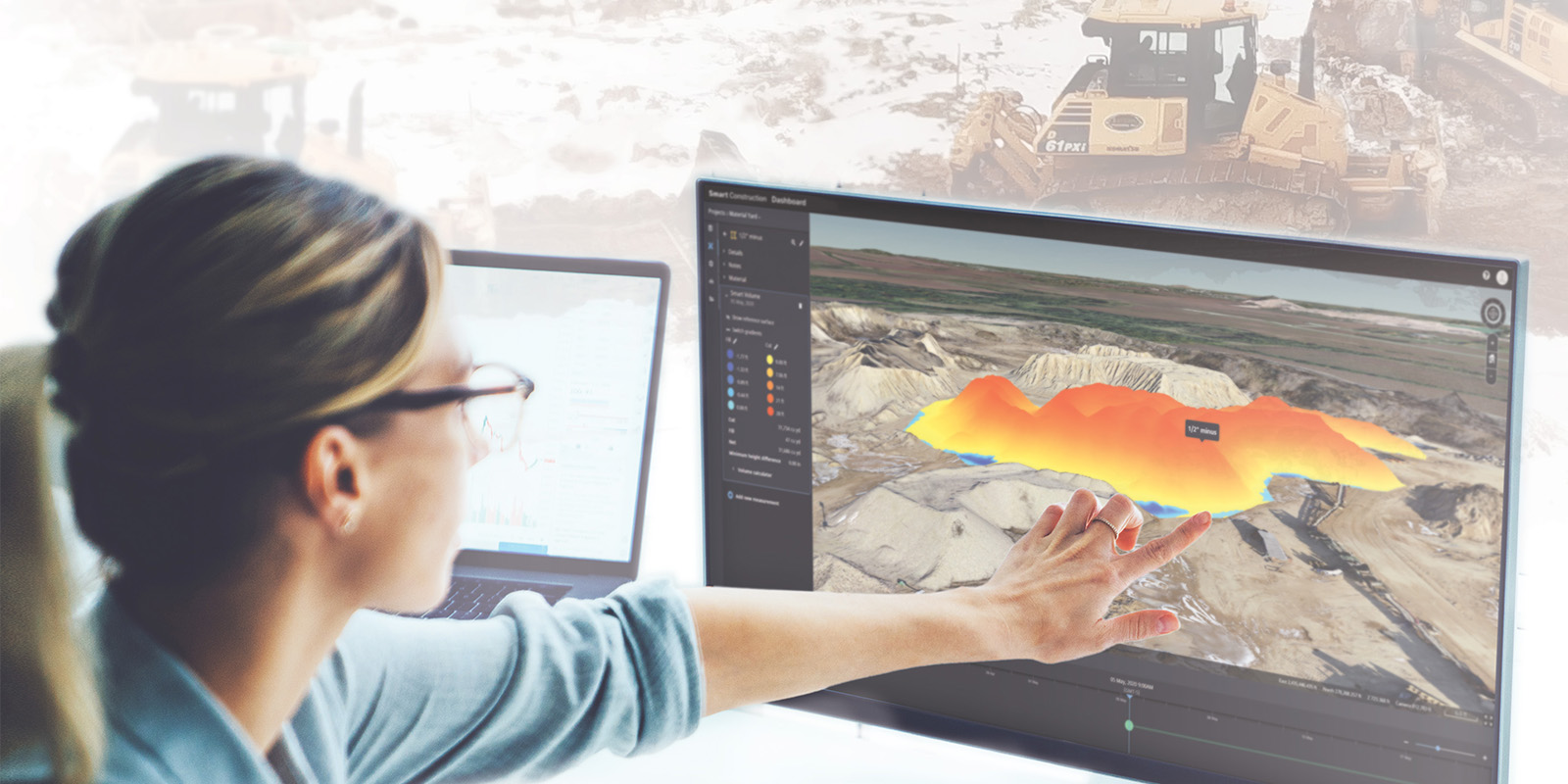
Dashboard shows a clear picture of the job site. You can track progress, measure stockpiles, and see how the work matches up against the original plan.
Q: How does it work?
A: It combines data from drones and IMC machines to create one 3D map.
Q: How many people can use it at one time?
A: There are no seat limits. Everyone on your team can view the data and export reports.
Design
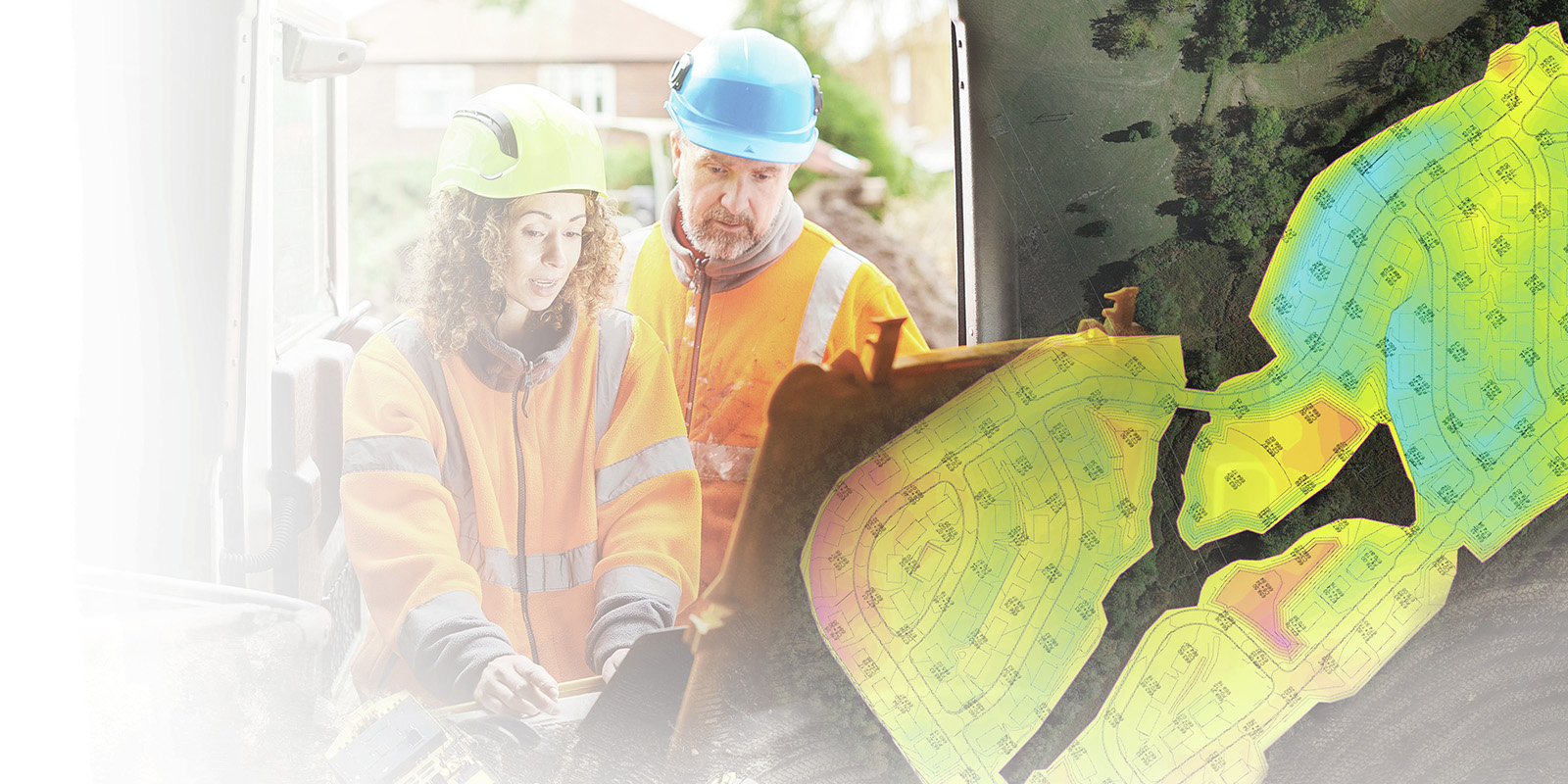
Design turns paper plans into 3D models that machines and people can follow. The data can be updated and shared as the job moves forward.
Q: Where can you view the 3D model?
A: 3D files can be viewed across Smart Construction tools at the same time. They also load directly to IMC machines. Operators and managers can view the same design at the same time.
Drone
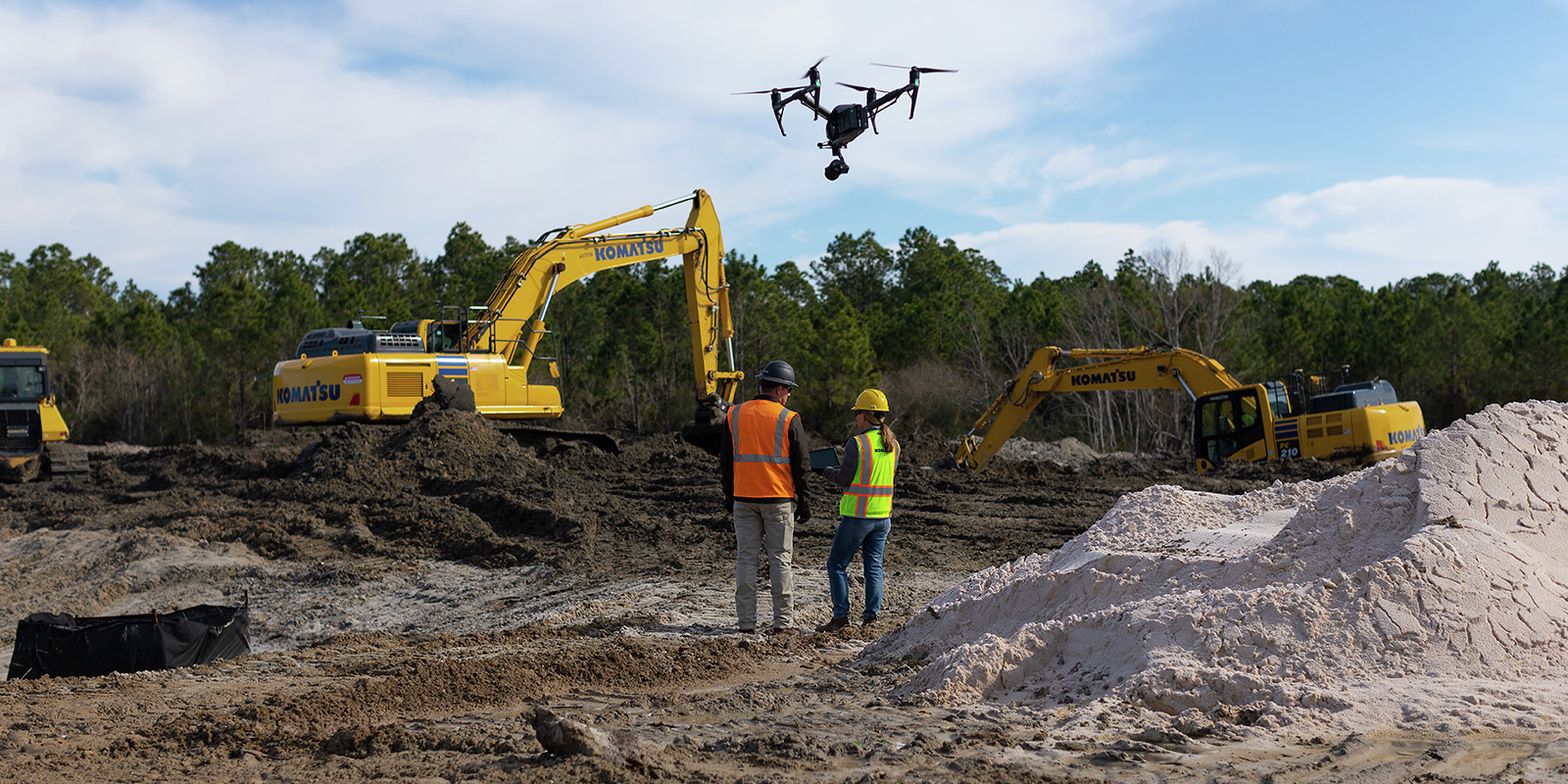
A Smart Construction drone flies over the job site, creating very accurate maps very quickly. You don’t have to stop working while it’s in the air. Drone surveys show the site’s current topography in detail.
Q: What types of files will the drone create?
A: The drone captures raw photos and videos that are then automatically processed into detailed survey maps.
Q: What can you do with the drone data?
A: You can use this data in a Smart Construction Dashboard to measure stockpiles, calculate cut and fill, or track progress over time.

Field
The Field tool tracks what’s happening on the job site each day. Instead of writing things on paper, crews can use this tool to log timecards, machine operating hours, material deliveries, weather, and site events. Remember when we said that each Smart Construction tool is kind of like an app for your phone? Well, Field actually is a phone app.
Q: What can you do with the Field data?
A: The app creates daily reports and monthly summaries. Managers can see how much work got done, compare costs against the bid, and quickly identify delays or issues.
Q: Is Field only for Komatsu?
A: No, Field works with any machine brand.
Fleet
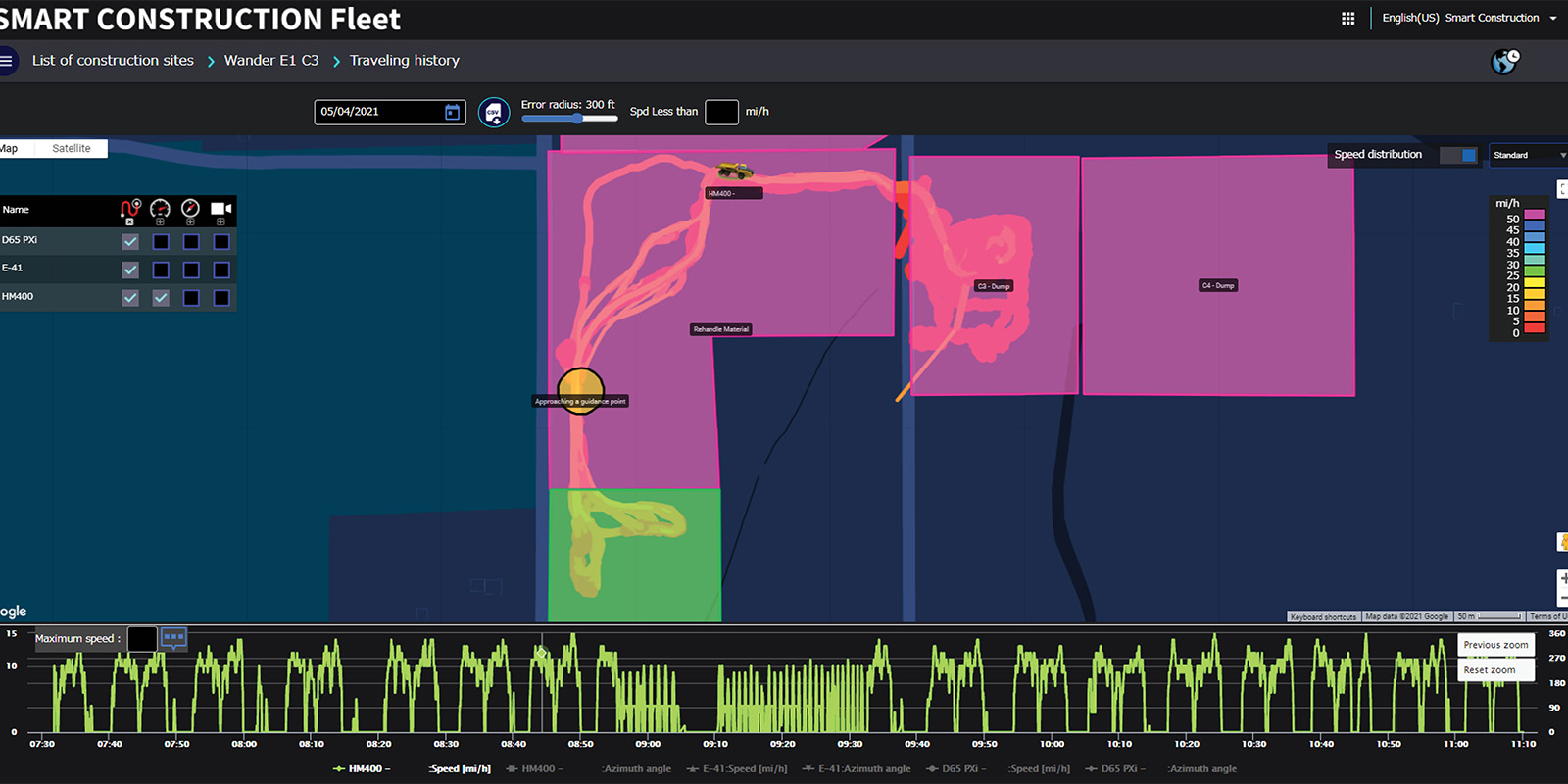
Fleet tracks how trucks move material around the job site. It logs each load, where it went, and how long the trip took. Fleet tracking runs automatically through its own app on your phone (separate from Field).
Q: What can you do with the Fleet data?
A: In addition to what we mentioned above, managers can track cycle times and identify inefficient haul routes, balancing truck use across a job.
Q: Does the driver have to record any data?
A: No, Fleet is designed to track load size and movement automatically without any need for manual records.
Q: Does Fleet only work with Komatsu trucks?
A: No, Fleet works with any machine brand (on-road and off-road).
Office
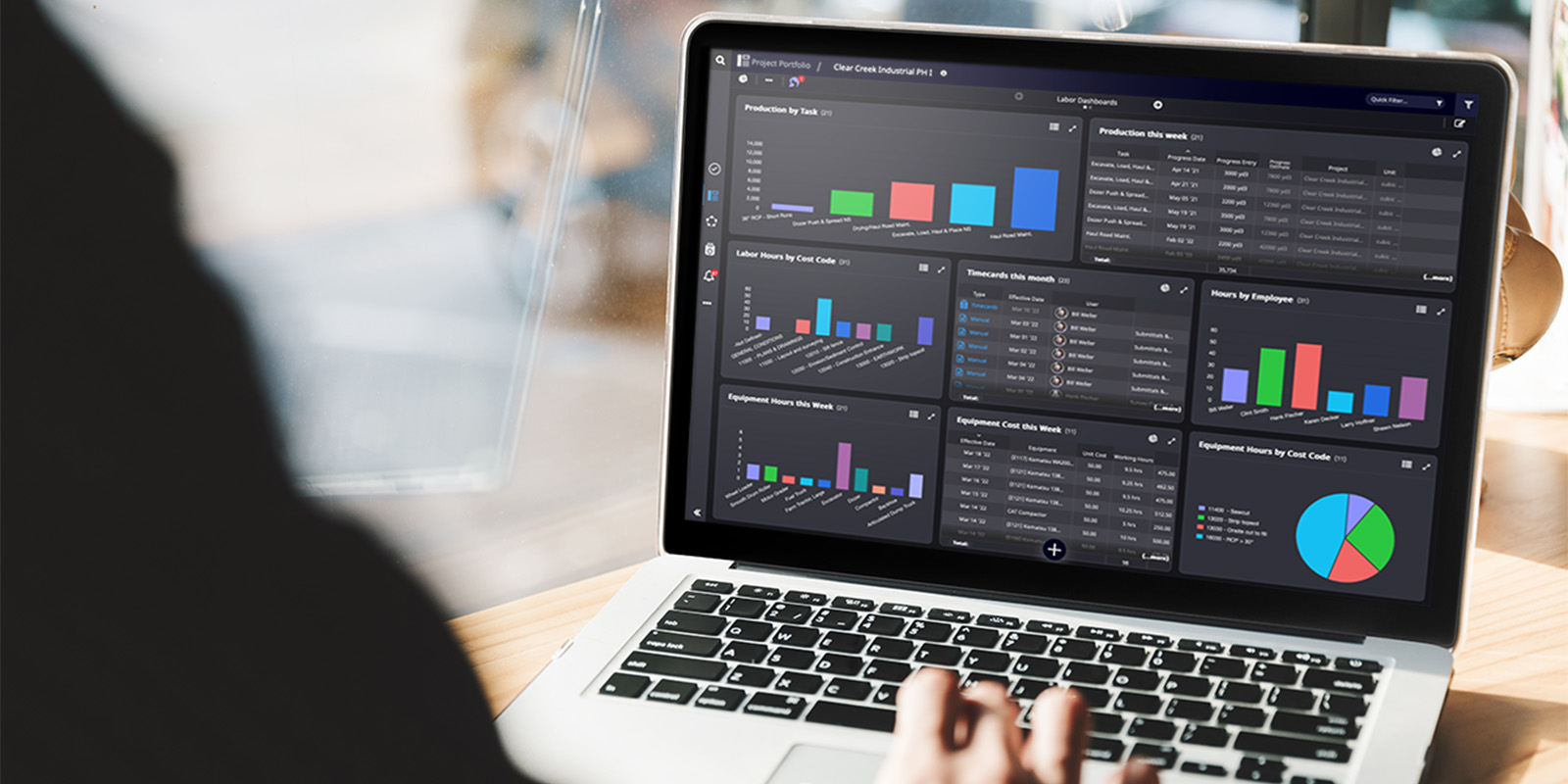
Office is the planning hub. It helps managers forecast schedules, compare costs against budgets, and track overall progress of a project. Its main purpose is to see how day-to-day activities affect long-term plans.
Q: How does Office get data?
A: It pulls in data from Smart Construction tools like Field, Fleet, and Dashboard to give a full picture of the job.
Q: Is Office only for Komatsu machines?
A: No, Office works with data from any equipment brand as long as it’s connected through Smart Construction tools.

Remote
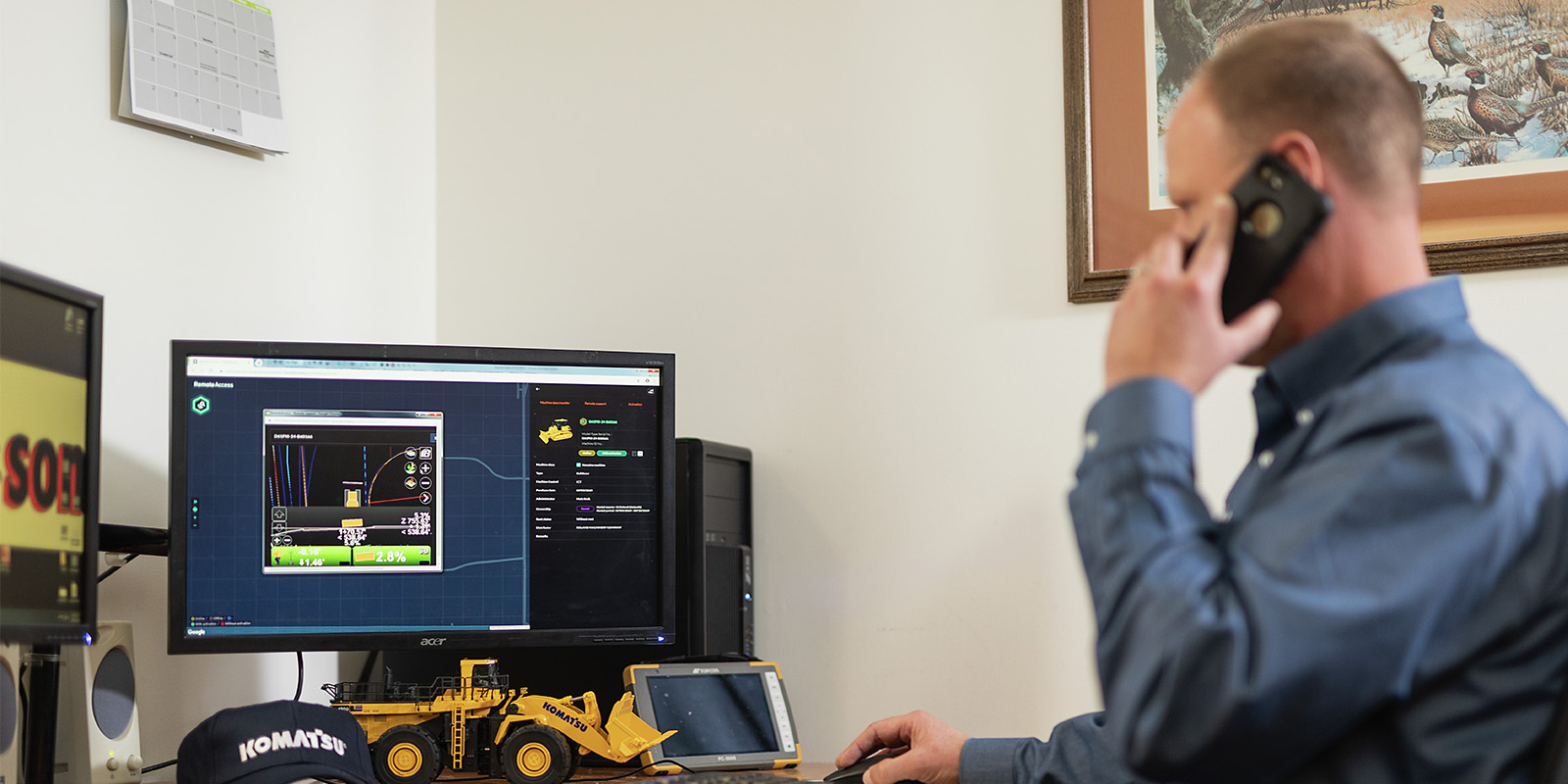
With Remote, you can send new design files straight from your computer or phone to the machines on site. It is a program for sending design files and downloading machine data. Remote also lets you log in and see exactly what the operator sees on their screen, so you can provide live support without being there in person.
Q: How does Remote work?
A: Normally, when you change the project design (like updating a 3D model), someone has to drive to the job site with a thumb drive or memory card, plug it into the machine, and upload the file. Remote skips that step by sending the file directly from your office.
Q: Who would benefit from Remote?
A: If you need to cut down on travel time, or if you’re struggling to keep machine operators up to date on design changes, Remote would benefit your team.
Base/Rover
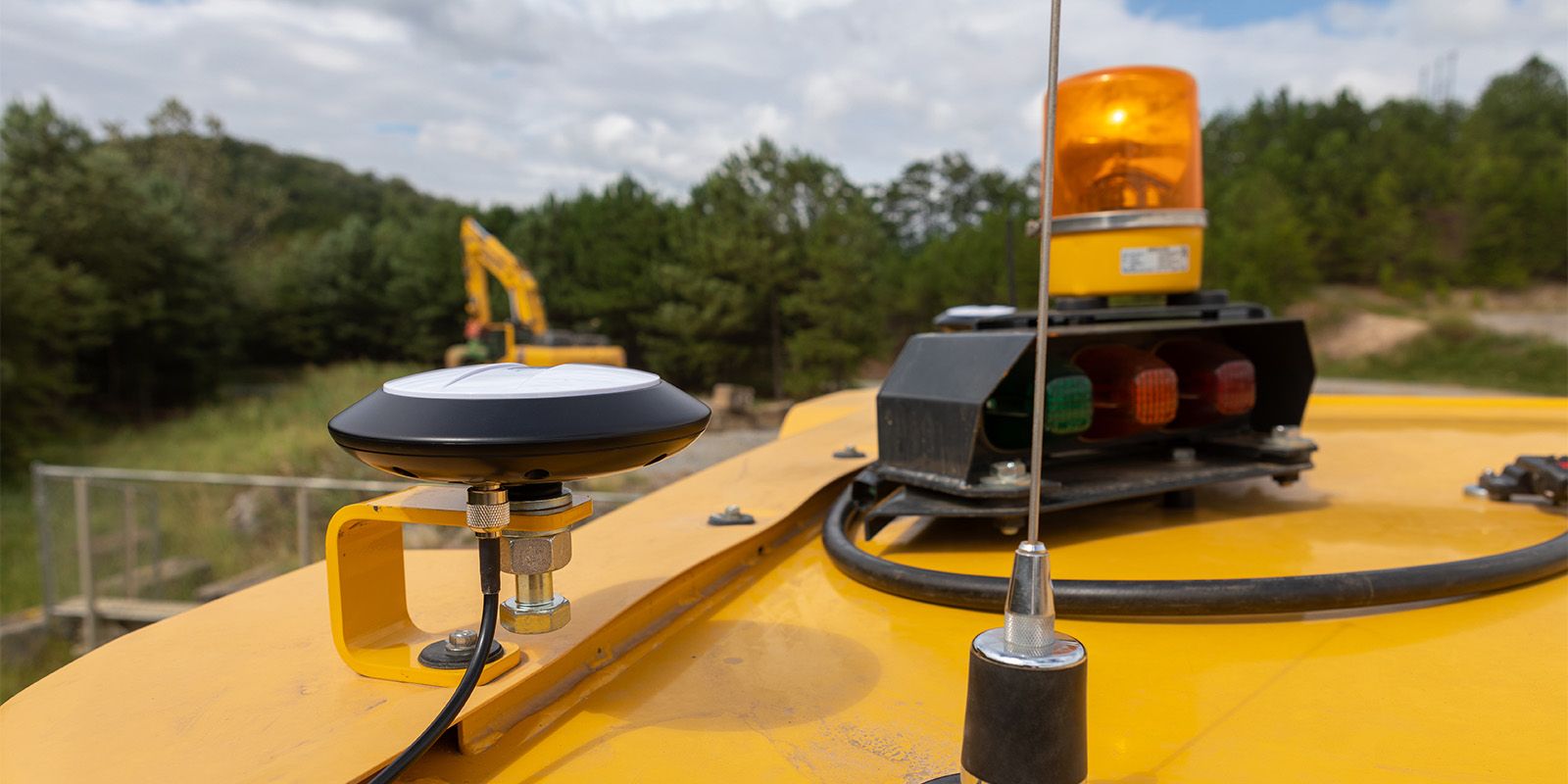
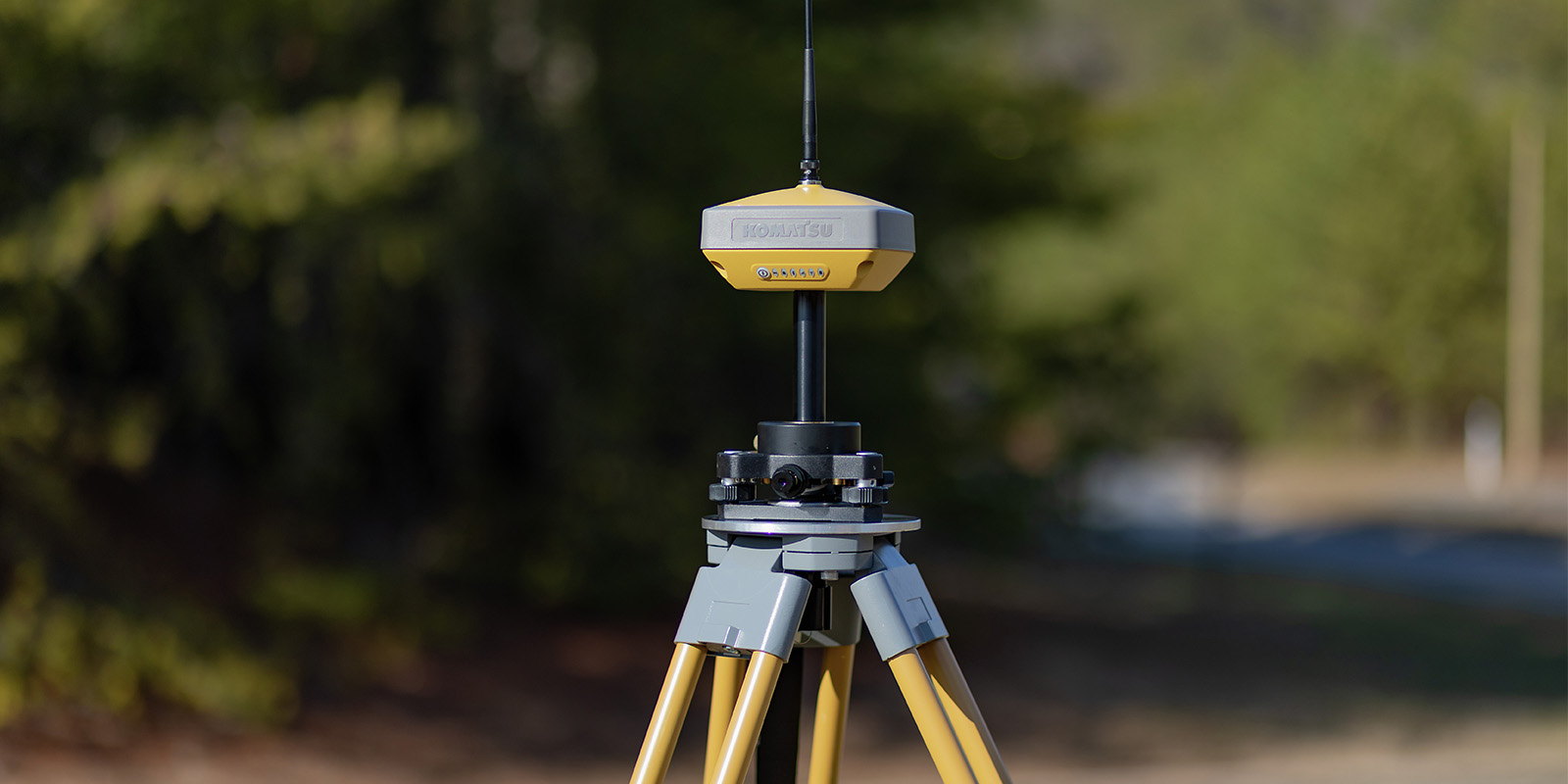
Base/Rover are two GPS boxes that work together. They can map the site before the job and provide precise machine positioning during the job. The system gives you readings that are accurate down to inches.
Q: Why do you need both a Base and a Rover?
A: The Base stays in one spot and sets a reference point. The Rover moves around the site or sits on a machine to report its exact location. By working together, they provide more accurate information.
Q: How is this different from a drone?
A: A drone gives you a snapshot map of the site from above. Base/Rover provides live GPS positioning as you work, so machines know exactly where they are in relation to the design.
Get Started with Construction Analytics Today
Smart Construction is about making job goals, progress, and machine activity crystal clear. Everyone who sees the data should be able to quickly understand it. It is changing the industry because it delivers the core goal of construction data analytics, giving you the facts you need when and where you need them.
If you have questions about using Smart Construction tools on your job site, reach out to your Berry Tractor sales rep. We are here to help you save time and money.